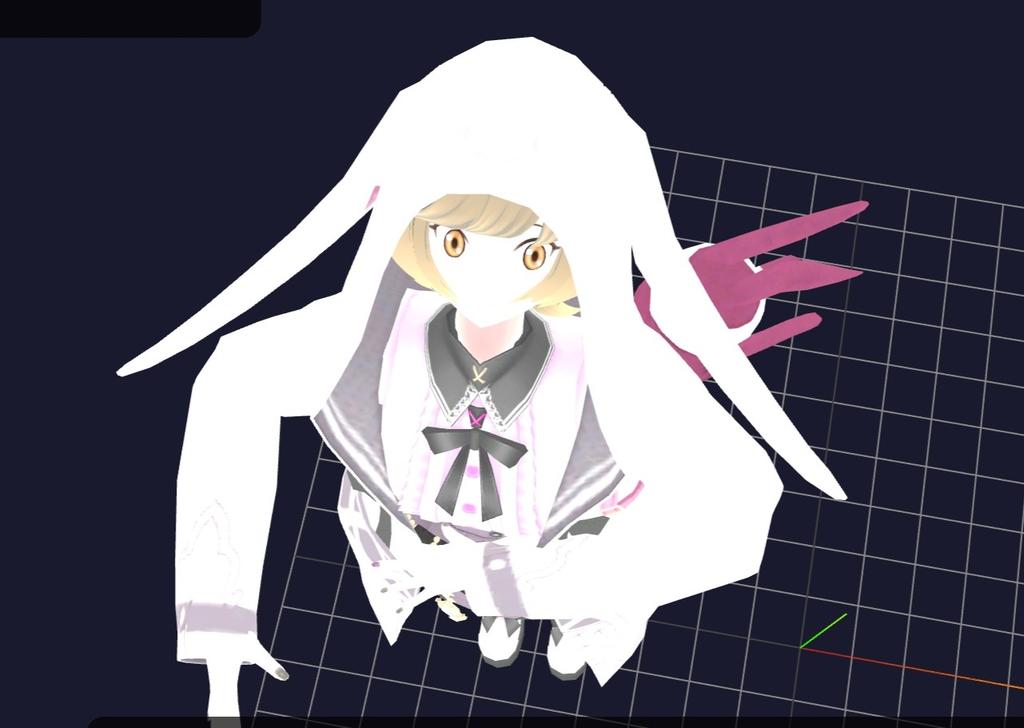
Loading models...
Mobile Gestures Guide
Touch Model + Drag: Move model
Touch Empty Space + Drag: Rotate model (Model Mode) / Orbit camera (Camera Mode)
Two Finger Drag: Pan camera
Pinch: Zoom camera
Double Tap Bone: Select bone (Bone Mode)
Long Press + Drag Bone: Move bone (Bone Mode)
Head & Neck
Arms & Hands
Legs & Feet
Spine
Controls Guide
Mobile Touch Controls
Touch Model + Drag: Move model
Touch Empty Space + Drag: Rotate model (Model Mode) / Orbit camera (Camera Mode)
Two Finger Drag: Pan camera
Pinch: Zoom camera
Double Tap Bone: Select bone (Bone Mode)
Long Press + Drag Bone: Move bone (Bone Mode)
Control Modes
Model Mode - Move and rotate models
Camera Mode - Control camera view
Bone Mode - Edit individual bone positions
Bone Editing (Bone Mode Only)
Tap Bone - Select bone
Long Press + Drag - Move selected bone
Two Finger Rotate - Rotate selected bone
Stored Poses
Reload Pose 1 - Re-fetch and apply stor1 to Model 1
Reload Pose 2 - Re-fetch and apply stor2 to Model 2
Reload Both - Re-fetch and apply both poses
State Management
Generate State URL - Create URL with current scene state (camera position, model positions)
Text Box - Copy the generated URL manually to share your scene
MMD 3D Pose Editor
Current Mode: Rotation
Camera Controls
Orbit Camera:
Right Drag
Zoom:
Scroll Wheel
Pan:
Middle Drag
Reset Camera:
Double Click
Click and drag the colored orbs to pose the model
Red: Rotation • Green: Position • Blue: Special
Left Click: Drag Orbs • Right Click: Orbit Camera
Click Orb: Show Axis Controls